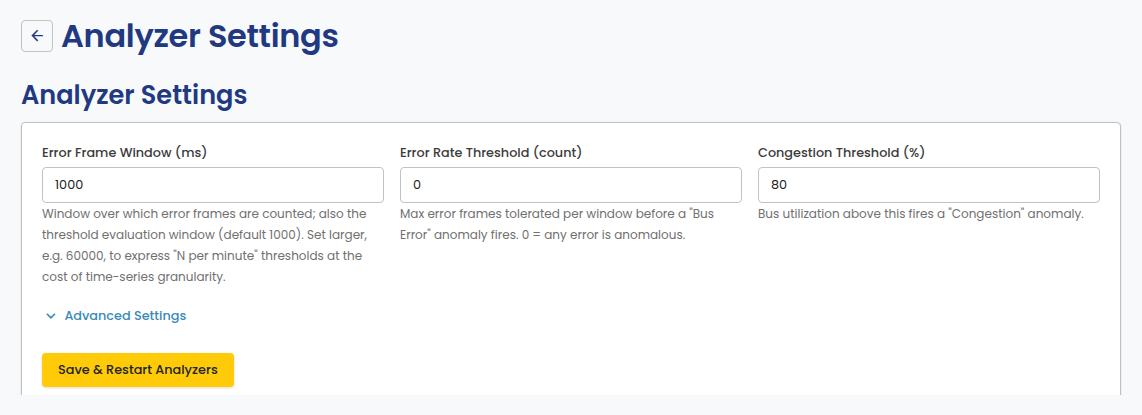
Analyzer Settings
Configure anomaly-detection thresholds and data retention. Open it from Analyzer in the portal sidebar, under Settings.
Thresholds
- Error Frame Window (ms): the window over which error frames are counted; also the threshold evaluation window.
- Error Rate Threshold (count): the maximum error frames tolerated per window before a Bus Error anomaly fires. 0 means any error is anomalous.
- Congestion Threshold (%): bus utilization above this fires a Congestion anomaly.
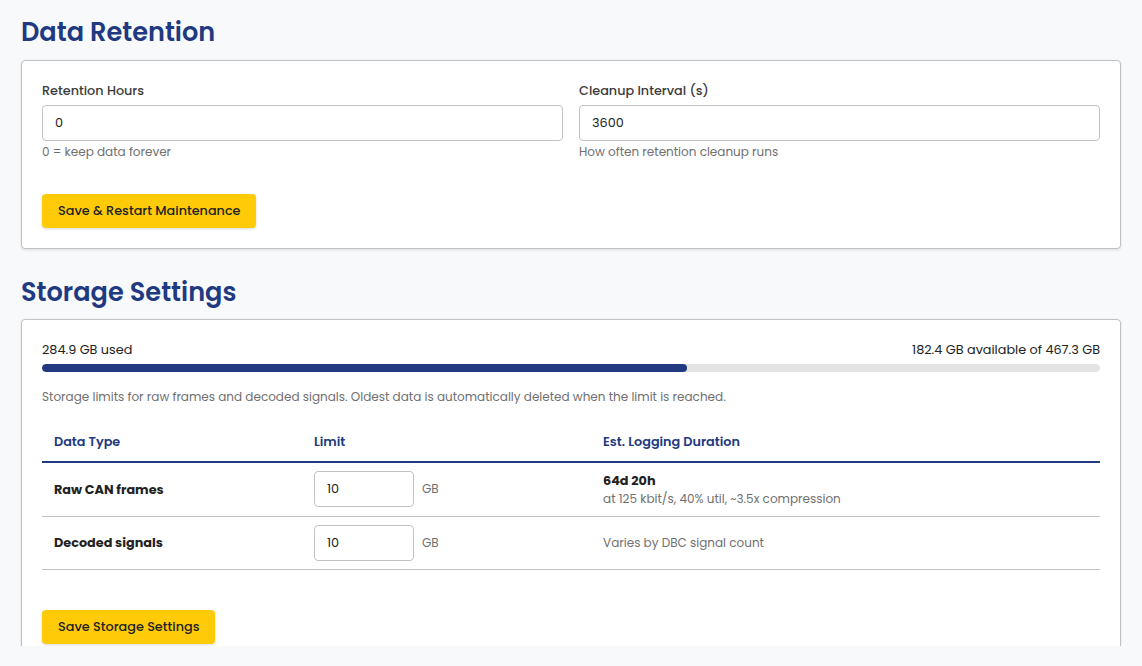
Data Retention and Storage Settings
Set how long data is kept, and storage limits for raw frames and decoded signals. Oldest data is automatically deleted when a limit is reached.
Imported logs that keep their original timestamps are not affected by the retention setting. They are kept until you delete them.